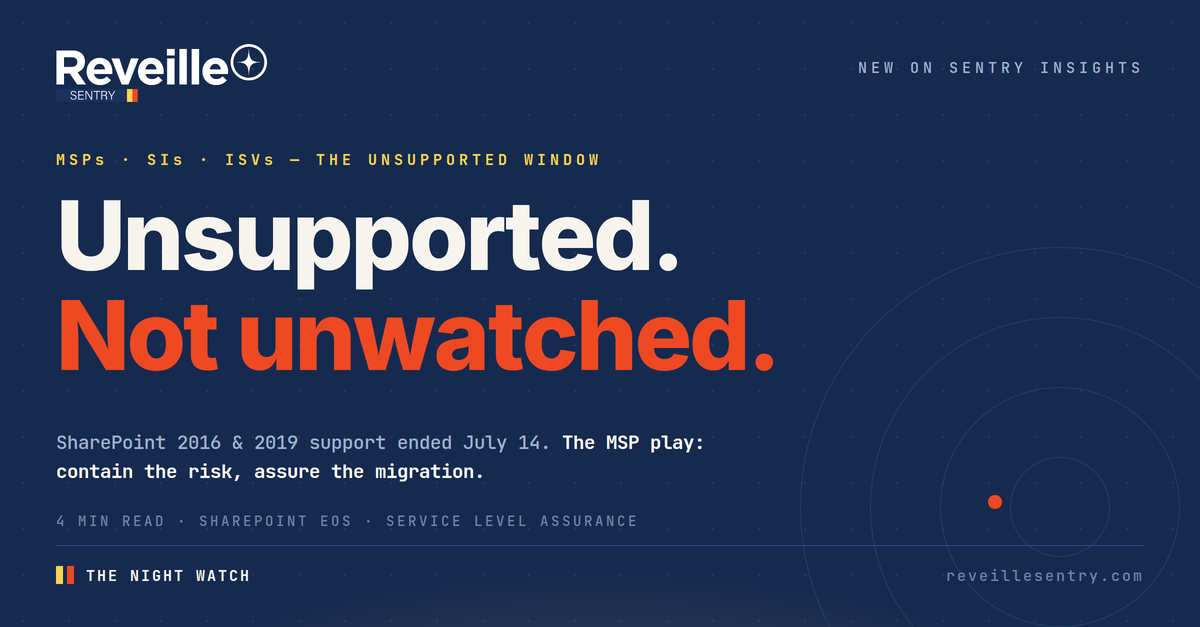
MSPs · SIs · ISVs — The Unsupported Window
Microsoft stopped patching your clients’ SharePoint farms on July 14. The farms didn’t stop. Someone still has to stand watch.— Reveille SENTRY
Two things happened on July 14, 2026. Microsoft shipped the largest Patch Tuesday in its history — 569 CVEs, including CVE-2026-56164, a SharePoint elevation-of-privilege flaw already exploited in the wild against SharePoint Server 2016 and 2019. And the same day, SharePoint Server 2016 and 2019 reached end of support. Those farms just received the last fixes they will ever get — in the same release that proved attackers are actively working the product.
Your clients will not migrate by Friday. Custom farm solutions, wired-in workflows, budget cycles — the moves will take quarters. Which means thousands of organizations have just entered the Unsupported Window: the months or years between end of support and a completed migration. The migration-content industry wrote everything for before the deadline. Almost nobody is writing about the part your clients are actually living in now — after. For their MSPs and SIs, that window is not a headline. It’s the clearest service opening of the year.
Quick answers
SharePoint 2016 and 2019 support ended — what should MSPs do for clients?
How do you monitor an unsupported SharePoint farm?
How do you package a SharePoint risk-containment service?
Why can’t RMM tools see SharePoint application health?
01 — The Exposure
What July 14 actually changed
Not the workload. Not the risk. Just who’s accountable for it.
End of support doesn’t turn a farm off. It turns the patch pipeline off. Every SharePoint CVE from this point forward — and July’s record release suggests the pipeline of discoveries is accelerating, not slowing — lands on 2016 and 2019 farms with no fix coming. CVE-2026-56164 was the preview: exploited in the wild before the final patch shipped, against exactly these versions. When prevention stops, detection has to work harder — knowing who is touching what content, and what normal looks like, stops being a compliance nicety and becomes the primary control.
Meanwhile the client-side conversation is stuck in migration brochures. The guides, the assessments, the “9 steps to SharePoint Online” content — nearly all of it was written for the deadline that already passed. What clients need now is operational: who watches the farm while we plan the move? Their infrastructure tooling won’t answer it — server-level checks can’t see whether a timer job ran, a content database is growing toward its limit, or search quietly stopped returning results. (We covered the enterprise version of this analysis on the corporate Bugle — this is the channel play it deliberately left open.)
Your clients aren’t deciding whether to run unsupported SharePoint. They’re already doing it. The only open question is whether anyone is watching.
| MERIDIAN LEGAL | SP2019 FARM | PAST EOS | CONTAINED · WATCH ACTIVE |
| GULFPORT CLAIMS | SP2016 FARM | MIGRATING → SPO | BASELINED · CUTOVER Q4 |
| APEX RECORDS | SPO TENANT | MIGRATED | ● SLA 100% · 30 DAYS |
| CIVIC COUNTY | SP2019 FARM | PAST EOS | ● SELF-HEALED 03:41 |
Illustrative tenant view · one pane, every client
02 — The Package
Sell the window, not just the migration
Three parts, one monthly line item, zero new headcount.
The competitor emailing your client a migration quote is selling a project. You can sell the whole window. Part one: the assessment. Inventory every farm, version, and custom solution across your book; put a named risk posture on each. Part two: the standing watch. An agentless, application-layer watch on each unsupported farm — timer jobs, health warnings and errors, content database sizes and backups, full document round-trips, search — with user analytics flagging abnormal content access on farms that will never be patched again. Part three: migration assurance. Baseline performance before cutover, watch both sides during coexistence, and hand the client a service level report that proves the move didn’t degrade anything. That report is your renewal.
This is the practice pattern from the SENTRY Playbook, pointed at the most time-boxed opportunity of the year — and it runs on the same watch you’d extend to every ECM and IDP environment in your book. Enterprise Content Management (ECM) and Intelligent Document Processing (IDP) platforms fail the same way SharePoint does: quietly, below the infrastructure line.
Reveille SENTRY · MSPs · SIs · ISVs
SENTRY is a partner and software program powered by Reveille. Over 95 out-of-the-box Microsoft 365 and SharePoint tests, more than 90 M365 dashboard metrics, agentless collectors that never hand your clients’ SharePoint Online credentials to an external agent, Microsoft 365 Backup verification against ransomware-driven restore surprises — organized per client, secured per group, on one pane across every tenant. See the SENTRY platform →
The economics are the point. The watch is monitored centrally, alerts route to the tools your team already lives in, and self-healing clears routine failures before a ticket exists — which is how the service scales across logos without scaling payroll. Margins up. Headcount flat. And in the deal you’re trying to win this quarter, “we will stand watch over your unsupported farms, in writing, with service levels” is a differentiator no migration-only quote can match.
03 — The Watch
Two MSPs, next renewal season
Same clients, same farms, different quarter.
One MSP packaged the window in July. By renewal season it walks in with per-farm service level history, a contained risk posture its clients’ auditors have already seen, and a migration pipeline it assures end to end. The other emailed a migration quote in June and is now competing on price for a project someone else will watch. The farms went unsupported on July 14. The question your clients are quietly asking is whether they went unwatched. Be the answer before someone else is.
The watch never blinks.
Stand it up for your clients’ SharePoint estates — before Q4 planning does it for you.